Bring the project.
Open local or SSH workspaces. Keep terminals, project context, files, and Git close enough to use together.
 PacketBench
Local-first · Open source
Run coding agents. Supervise the changes.
Keep the whole project in view.
PacketBench brings terminals, API conversations, planning, and review into one native desktop environment.
PacketBenchYOUR WORK, IN CONTEXT
01 / Inside the workbench
Move from a conversation to a supervised run, with the tools and controls close to the work.
Choose local or SSH targets, define execution supervision, and use isolated worktrees with optional review gates.
View full capture ↗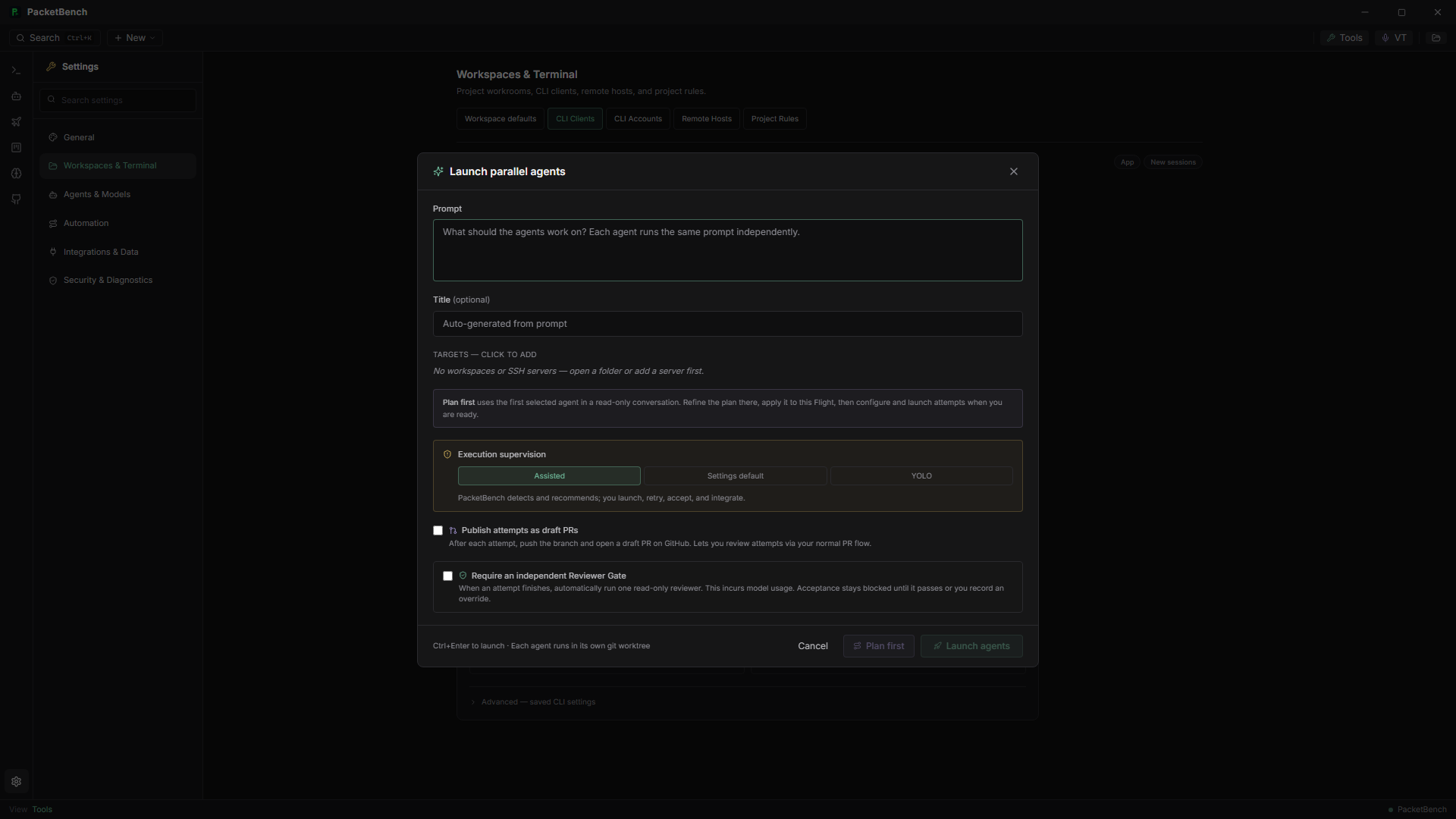
Start API-agent conversations against a project, choose the provider and execution posture, and keep conversation context visible.
View full capture ↗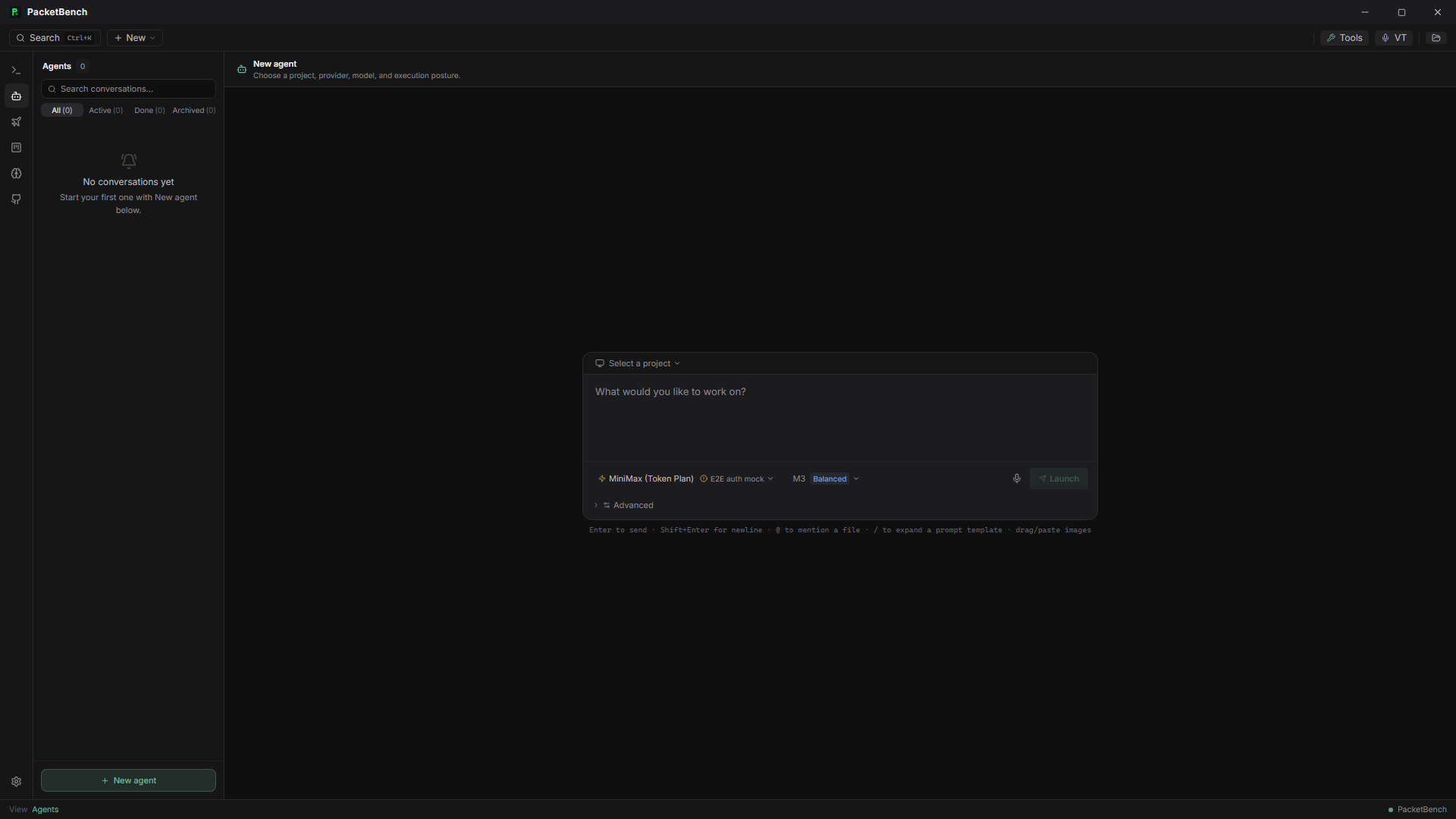
Configure terminal agents, execution hosts, and project rules. PTY-first Workspaces keep your terminal workflow in a persistent pane layout.
View full capture ↗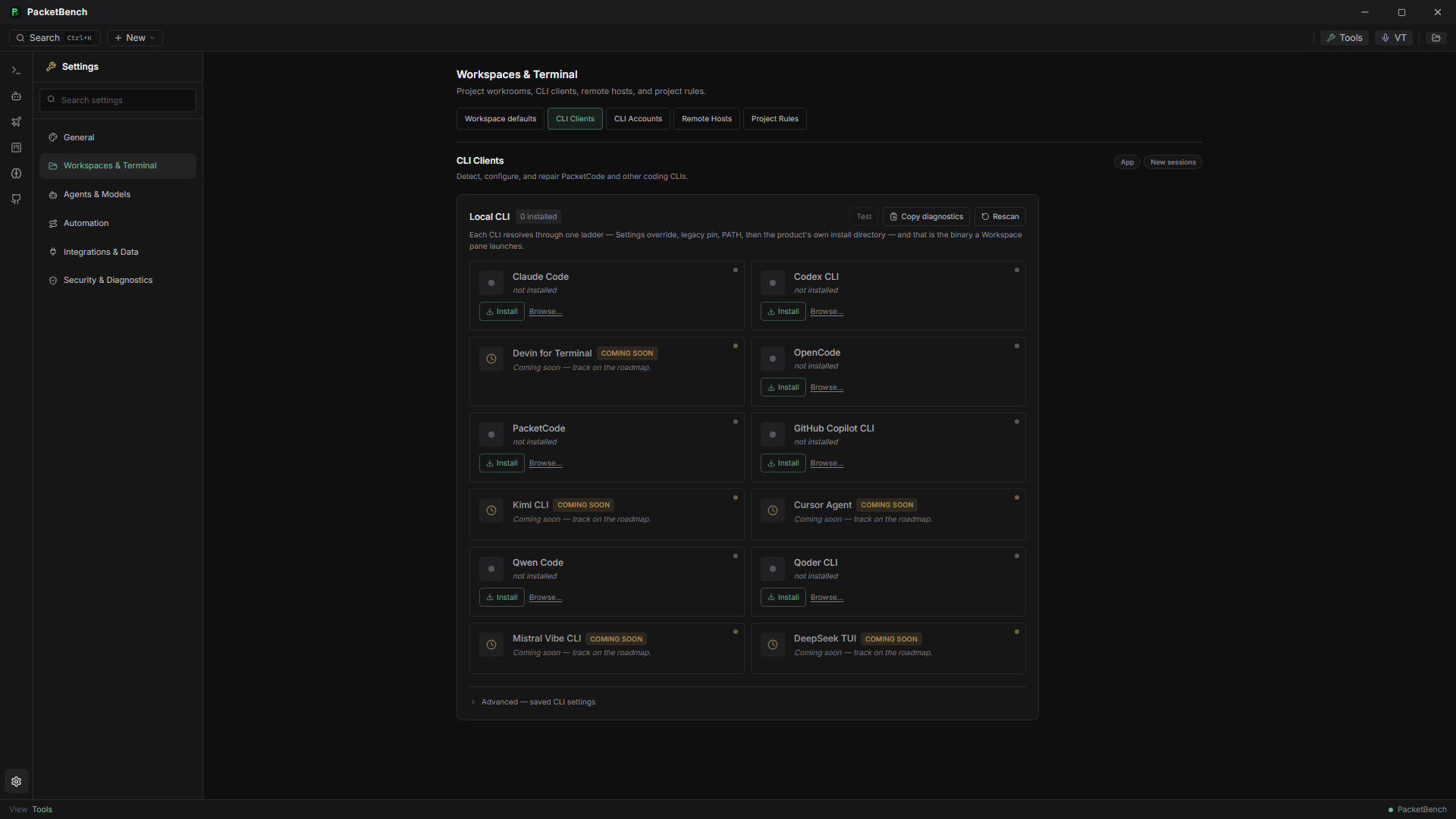
02 / One continuous workflow
The useful part is everything that connects the prompt to the project.
Open local or SSH workspaces. Keep terminals, project context, files, and Git close enough to use together.
Run familiar terminal CLIs or API-agent conversations. Select the provider and permissions that fit the job.
Track issues, plan Flights, and launch supervised attempts against isolated worktrees.
Inspect pending edits, accept changes deliberately, and keep notes and history available for the next session.
03 / Your agent stack
Choose the terminal workflow or API path that suits your project. Provider credentials and capabilities depend on your configuration.
PacketCode / Claude Code / Codex / OpenCode
Claude / OpenAI / MiniMax / OpenRouter / Ollama
Sugar / Gemini / xAI / OpenAI-compatible services
04 / Engineering with boundaries
Automation earns trust through controls you can see and decisions you can make.
Explicit permission prompts and project trust put tool access in front of the person directing the work.
Inspect pending edits and use review surfaces before accepting work into the project.
Configure spending limits and supervised attempts. Bounded autonomy is an explicit choice.
Persisted conversations, workspace layouts, notes, and history keep the next step understandable.
05 / Built in the open
The recorded Windows build has been installed and launched. Interactive Workspace use and real-account provider acceptance are still being completed. The repository keeps build evidence, current limits, and planned work visible.
A few useful details
PacketBench is a native desktop application built with Tauri and Rust. This page introduces the product; the repository contains the source, setup instructions, and build records.
It provides the environment around the agents you use: terminal panes, API conversations, project organization, permissions, and review. CLI and API paths remain distinct.
SSH workspaces and remote execution paths are supported. Remote hosts require their own compatible tools and configuration. The separate Remote Agents relay feature remains gated; it is not a general hosted service.
Start with the GitHub README for prerequisites and setup. Read the current handoff for acceptance status, and use the documentation to explore the workflow.
Your agents. Your projects. Your workbench.
Open source · Apache-2.0 · Native desktop